

Transforming an overlooked nook or an unused spare room into a functional and stylish home office has become essential for modern homeowners. In today’s hybrid world, where professionalism meets personal comfort, creating an office space that inspires productivity and blends seamlessly with home aesthetics is not just desirable—it’s a must. This guide provides homeowners with an array of thoughtful design tips, punctuated by insights from industry experts like Udi Regev, founder of BetterSpace, and other home design specialists.
1. Start With Purpose: What Do You Need from Your Office?
Before diving into color swatches and furniture catalogs, reflect on what your home office should deliver. Do you need an expansive desk for dual monitors, or does your job call for shelves stacked with research materials? “Understanding your workflow is the cornerstone of a tailored home office,” explains Udi Regev from BetterSpace. Consider these guiding questions:
- How many hours a day will you be spending in this space?
- Will the office be shared with a partner or used for meetings?
- Do you require storage for supplies or room for creative work?
Crafting a mental blueprint will save time and money in the long run and ensure your office suits your lifestyle.

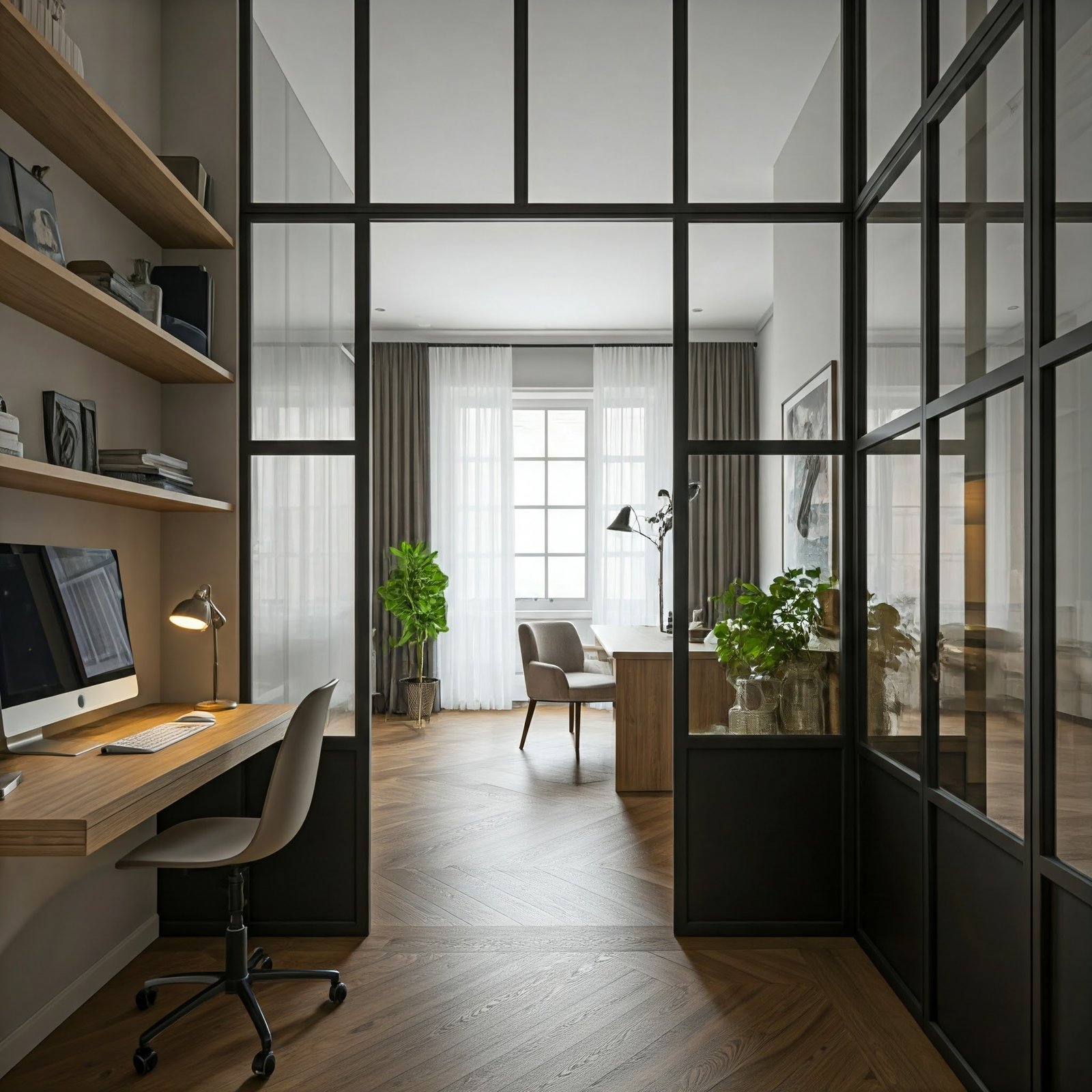
A desk with a sleek monitor. Photo credit: Bricks&Mortar.
2. Choosing the Right Location
Placement is key, and even the most beautifully designed office will fall short if it’s located in the wrong part of the house. “Prioritize quiet corners with natural light and minimal distractions,” Regev advises. While a garden view might be refreshing, avoid spaces that are too close to the family room or kitchen to minimize noise interference.
Pro Tip: If your office will host clients, consider access points. An entry through a side door or a space on the ground floor could provide privacy and convenience.

A cozy home office with a window framing a view of a sunny backyard. Photo credit: Bricks&Mortar.
3. Power Up: Tech and Connectivity
Nothing sabotages a productive day faster than a spotty Wi-Fi connection. Ensure that your office is equipped for seamless connectivity. Regev shares, “Plan your tech needs early—this includes Ethernet wiring if needed, or at the very least, high-quality wireless boosters.”
Essential Tip: Ethernet home plugs are a hassle-free way to extend broadband. Wireless repeaters placed strategically between your router and office can keep signals robust.

An office wall with an Ethernet port and sleek cabling setup. Photo credit: Bricks&Mortar.
4. Let There Be (Good) Light
Lighting is the unsung hero of any home office. Natural light is best for mood and productivity, but you’ll need strategic artificial lighting for cloudy days and late nights. “Overhead lights with wide beam angles paired with soft desk lamps are ideal,” notes Luke Thomas, design director at John Cullen Lighting. Position lighting to avoid glare on computer screens and harsh shadows.
Design Tip: Try a combination of overhead LEDs and desk-level task lighting to create a balanced environment that’s easy on the eyes.

Ceiling lighting and a stylish desk lamp casting a warm glow. Photo credit: Bricks&Mortar.
5. Prioritize Comfort with Ergonomic Furniture
Investing in ergonomic furniture isn’t just a luxury; it’s essential. Proper posture reduces the risk of chronic pain and enhances focus. Seek out an adjustable chair and consider a sit-stand desk for flexibility throughout the day. A tip from BetterSpace: “The goal is comfort that promotes long-term health,” says Regev.
Budget-friendly Tip: Ergonomic monitor stands and wrist supports can make a significant difference without breaking the bank.

A cozy, adjustable office chair. Photo credit: Bricks&Mortar.
6. Elevate with Décor and Personal Touches
Infusing personality into your workspace not only makes it inviting but can also boost your mood. Consider earthy tones, vibrant plants, and custom art. “Calming colors like soft greens and blues are known to enhance focus,” shares Claire Garner, interior designer. Storage solutions such as built-in shelving keep clutter at bay and elevate aesthetics.
“Your home office should tell a story that inspires you daily,” Regev suggests. Personal mementos, well-placed photos, and inspiring artwork can make your space feel uniquely yours.

Framed art and greenery on a floating shelf. Photo credit: Bricks&Mortar.
7. Keeping It Warm: Heating Solutions
Working comfortably includes managing temperature. For those undertaking a new build, consider underfloor heating. Retrofitting? Smart radiator valves are a simple DIY solution that allows temperature control by room. “These valves can create ‘zones’ so you’re only heating the spaces you need,” shares a fictitious expert from SmartSpace Solutions.
Pro Tip: Draft excluders are an easy addition to older homes to block cold air from windows and doors.

A modern radiator and smart temperature control panel. Photo credit: Bricks&Mortar.
8. Soundproofing for Serenity
Noise is a productivity killer. For new builds, double layering walls or using heavier plasterboard can dampen sound transmission. Retrofitting an older space? Look into acoustic panels or soundproof curtains. “It’s a small investment that can make a big difference when you need to focus,” says Regev.

Acoustic panels. Photo credit: Bricks&Mortar.
9. Add Final Flourishes
Complete your space with accessories that make you smile. A plush rug, stylish penholder, or cozy throw can transform the atmosphere. Udi Regev insists, “The magic lies in those final touches that are uniquely you.”

Final touches. Photo credit: Bricks&Mortar.